> ## Documentation Index
> Fetch the complete documentation index at: https://docs.simplicity.ai/llms.txt
> Use this file to discover all available pages before exploring further.
# Generate api key
To integrate Simplicity AI into your product, follow the steps below.
## Authentication
Simplicity AI API supports two authentication methods.
**Option A — API Key**
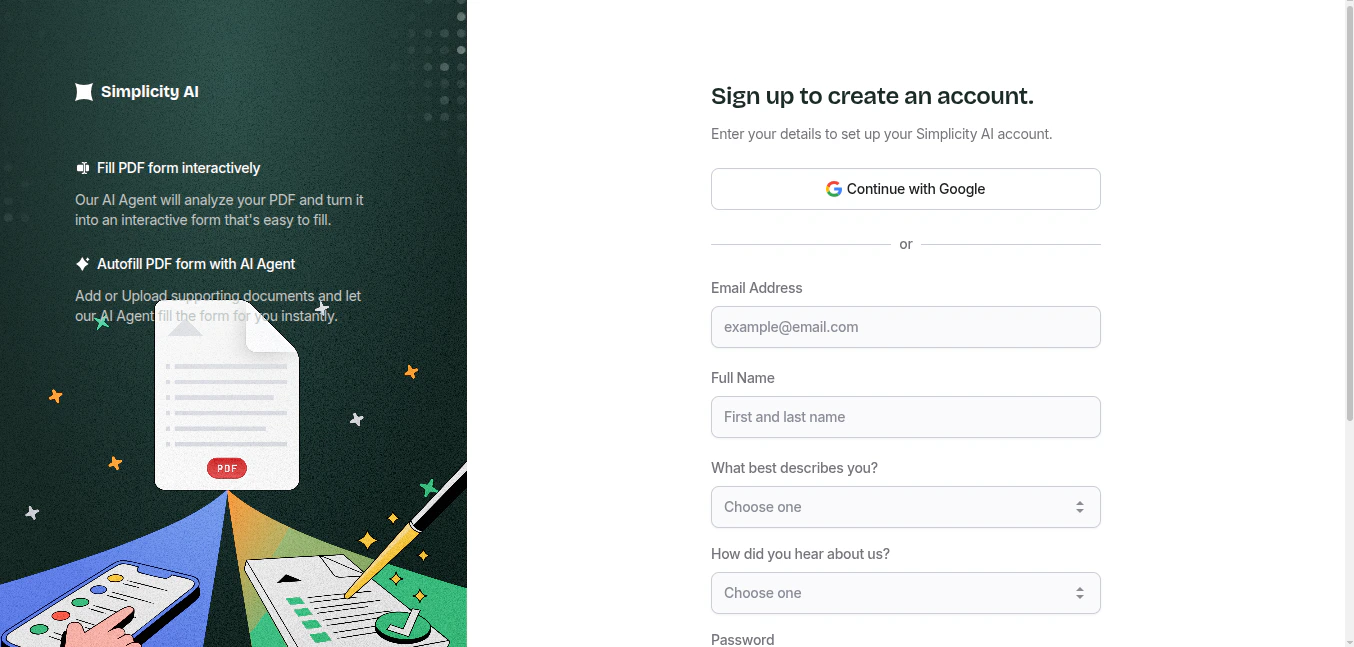
## Step 1: Create an Account
Visit [**simplicity.ai**](https://simplicity.ai) and sign up using your email address or Google account.
 ## Step 2: Generate an API Key
Once logged in, navigate to the **Integrations** section of your dashboard and create a new API key. You will use this key to authenticate every request to the Simplicity AI API.
## Step 2: Generate an API Key
Once logged in, navigate to the **Integrations** section of your dashboard and create a new API key. You will use this key to authenticate every request to the Simplicity AI API.
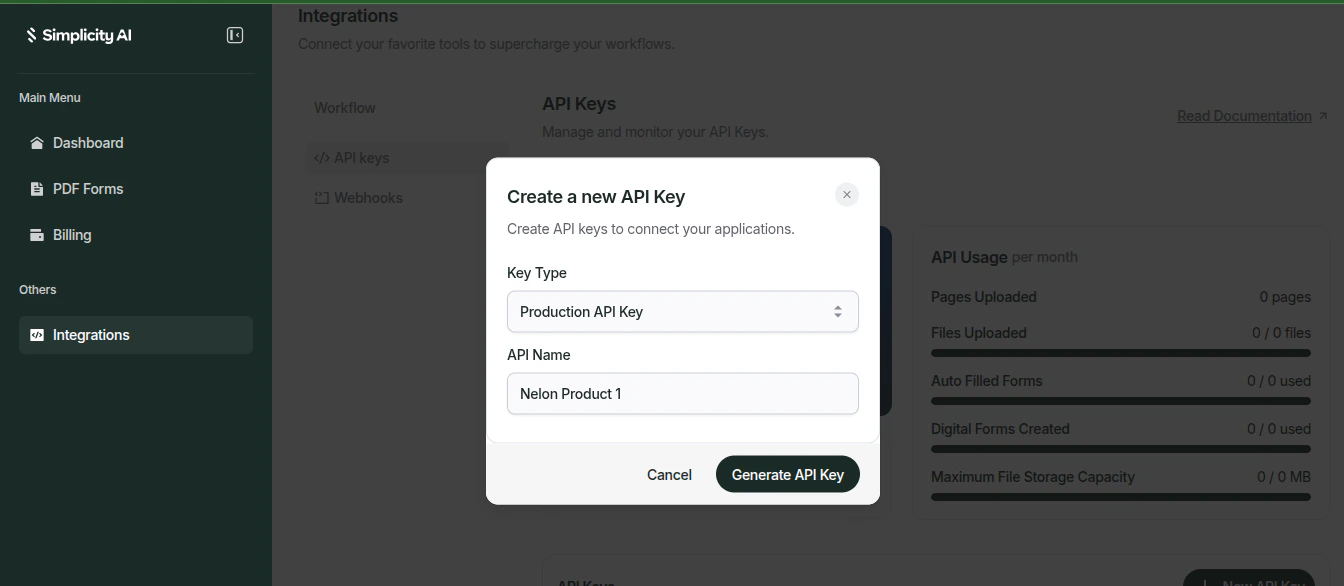 Pass your API key in the `X-API-Key` header on every request.
```http theme={null}
X-API-Key: YOUR_API_KEY
```
**Option B — External User ID**
For multi-user applications, pass the user's unique identifier in the `external-user-uid` header to scope requests to that specific user.
```http theme={null}
external-user-id: user123
```
Store your API key securely. Never expose it in client-side code or public repositories. If compromised, regenerate it immediately from your dashboard.
## Base URL
All API requests are sent to:
```
https://api.simplicity.ai
```
Pass your API key in the `X-API-Key` header on every request.
```http theme={null}
X-API-Key: YOUR_API_KEY
```
**Option B — External User ID**
For multi-user applications, pass the user's unique identifier in the `external-user-uid` header to scope requests to that specific user.
```http theme={null}
external-user-id: user123
```
Store your API key securely. Never expose it in client-side code or public repositories. If compromised, regenerate it immediately from your dashboard.
## Base URL
All API requests are sent to:
```
https://api.simplicity.ai
```